
High-impact ad formats: a field guide to topscroll, midscroll and more
What high-impact formats are, where each one sits on the page, what it is good for, and how to pick the right one for a campaign.
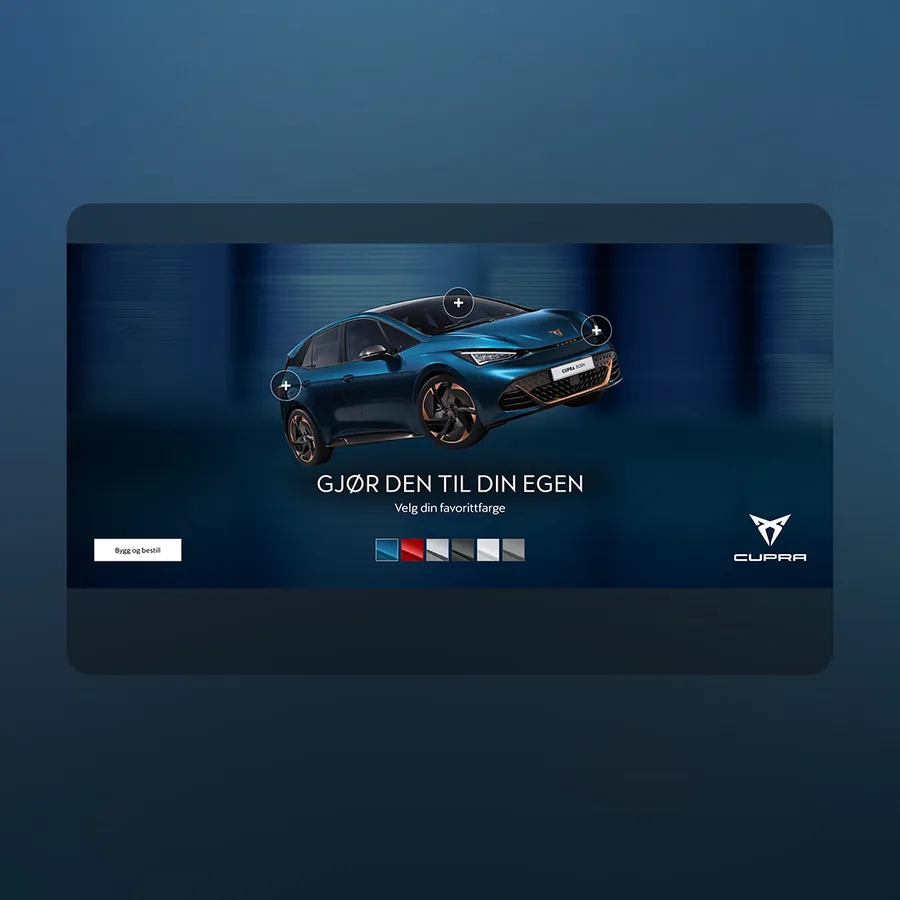 Cupra - Color picker/HighlightsTopscroll · live demo ↗
High-impact ads are display formats that take most or all of the screen on a publisher's site, instead of a small fixed box at the side of the content. The common ones are the topscroll, which opens the page, the midscroll, a full-screen ad between the articles that publishers also call an interstitial, the double (and triple) midscroll, which unfolds over several screens of scrolling, and the welcome page, a takeover with a close button. They are built responsive, so one ad fits phone, tablet and desktop.
We have built and served these formats for more than 15 years, for publishers across the Nordics. This guide walks through each one, shows live demos, and ends with how to choose.
High-impact vs standard display
A standard display banner is a fixed size: a 300×250 or a 980×240 that sits in a slot and shares the screen with the content. It is cheap to produce in volume and easy to buy, and it is also easy to scroll past without seeing.
A high-impact format gives the ad the screen for a moment. That leaves room for a real image, a video, a product to tap through, or a story told in two or three scenes. It also raises the bar: a bad ad is bad at full size.
Our line is that ads should _attract instead of distract_. The reader came for the page, so none of these formats forces a wait. The reader moves past them by doing what they were already doing: scrolling, or with a close button.
You can see every format, with safe areas and templates, on the ad specifications page.
Topscroll: the ad that opens the page
Ad formatTopscrollThis format appears at the top of the page and pushes the content down. It differs in height, but is usually between 70-90% of the screen height.Specs →The topscroll sits at the very top of the page. It fills most of the screen when the page loads and pushes the editorial content down. As the reader scrolls, the content moves up over it. Most publishers show it at 70–90% of the screen height, so it is the first thing every reader sees.
Specs, from the topscroll spec page: responsive, 70–90% of screen height. Deliver a 1920×1080 landscape asset (safe area 1400×620) and a 1080×1920 portrait asset (safe area 940×1240), or a 1080×1080 square (safe area 640×700). File types: .mp4, .mov, .webp, .webm, .svg, .jpg, .png.
Good for: launches and big moments where reach on a front page matters. It is the format for "everyone who opens the site today sees this".
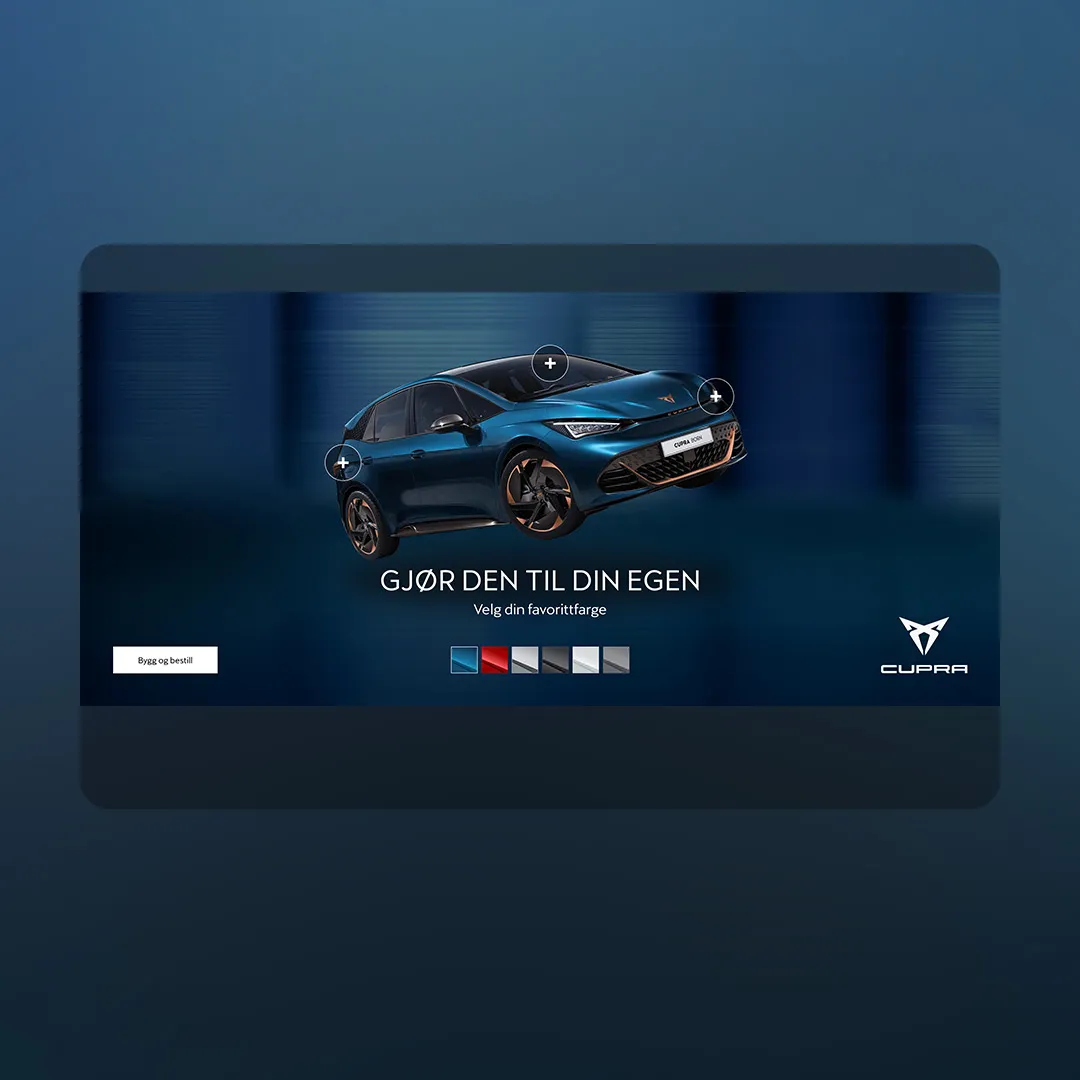
Six colour swatches swap the car's paint, and three plus buttons each open a short streamed feature video, with a close button to get back.
Midscroll: the interstitial that lives in the scroll
Ad formatMidscrollSometimes called an interstitial or fullscreen, this format is a full screen ad that appears before, after, or between the content of a website.Specs →The midscroll is a full-screen ad that appears before, after or between the content of a page. Publishers also call it an interstitial or a fullscreen, and the specs are the same for all of them.
The word interstitial covers a lot of ground. In apps it often means an ad that covers everything and waits for you to close it. A midscroll on the web works differently: it sits in the page itself. The reader scrolls into it, it holds the full screen for a moment, and the reader scrolls on past it. Nothing to dismiss, no countdown.
Specs, from the midscroll spec page: responsive, the full screen. A 1920×1080 landscape asset (safe area 1400×940) and a 1080×1920 portrait asset (safe area 940×1670), or a 1080×1080 square (safe area 528×940). You can also produce for mobile or desktop only.
Good for: product stories, video, and anything interactive. Because the reader arrives at it mid-article, already scrolling, it suits creative that rewards a second of attention.
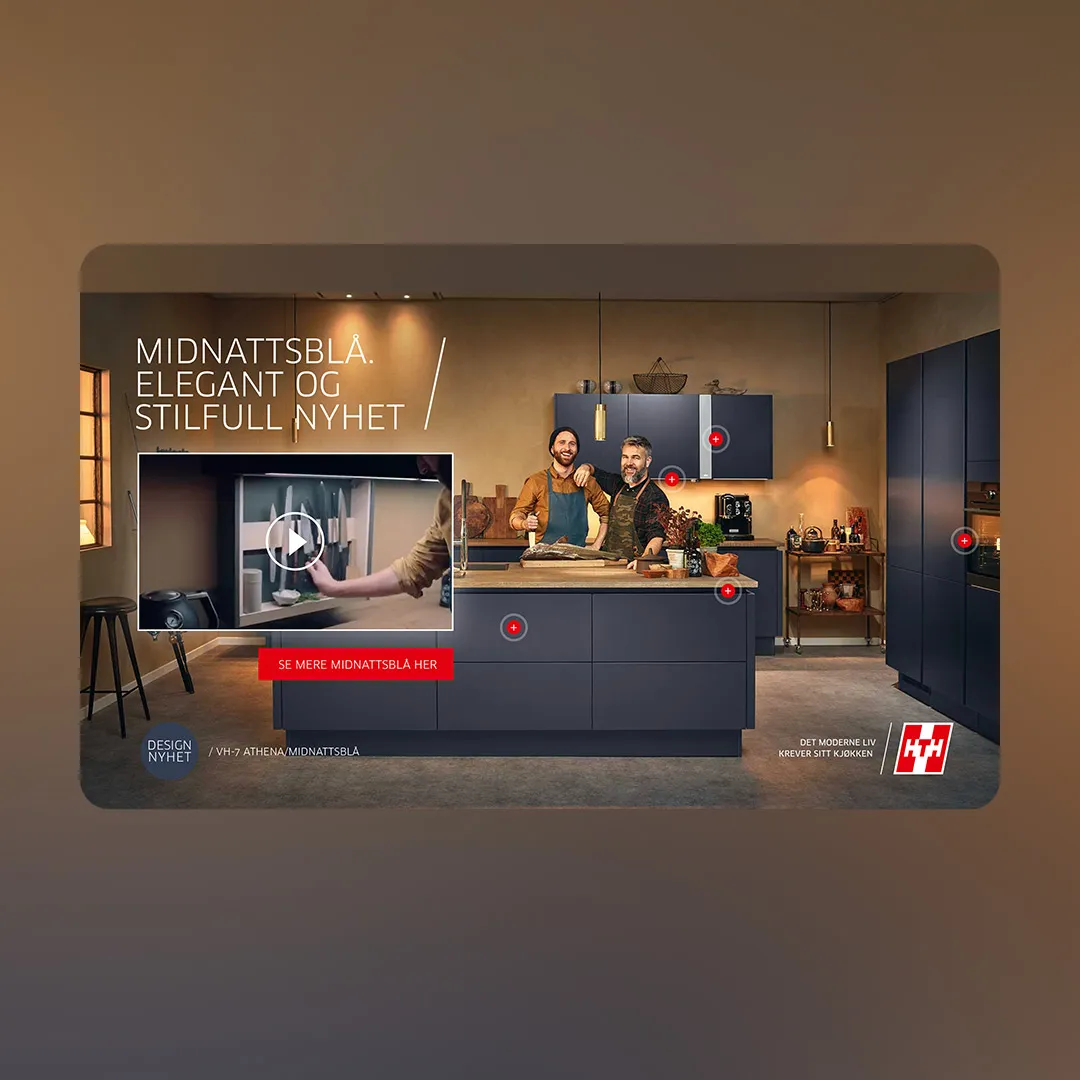
The HTH kitchen plays a looping teaser. Each of five pulsing hotspots opens a panel about one detail, with a video or a still.
Double and triple midscroll: a story told over the scroll
Ad formatDouble midscrollTwo midscrolls stacked on top of each other. As the user scrolls down more content is revealed.Specs →A double midscroll is two fullscreens stacked in the same placement. The first scene fills the screen, and as the reader keeps scrolling the second is revealed. One placement holds two scenes, which means it can hold a story: a question and an answer, a before and an after, a teaser and the offer.
Specs, from the double midscroll spec page: responsive, two screens tall. Each scene has a background (a colour, an image or a video) and up to three overlays in PNG or SVG, typically one always-visible item such as a logo or CTA and two messages. Both scenes cannot be video, because the ad gets too heavy. Landscape is 1920×1080 with a 1400×940 safe area, portrait 1080×1920 with 940×1670, and mobile and desktop are produced as separate ads.
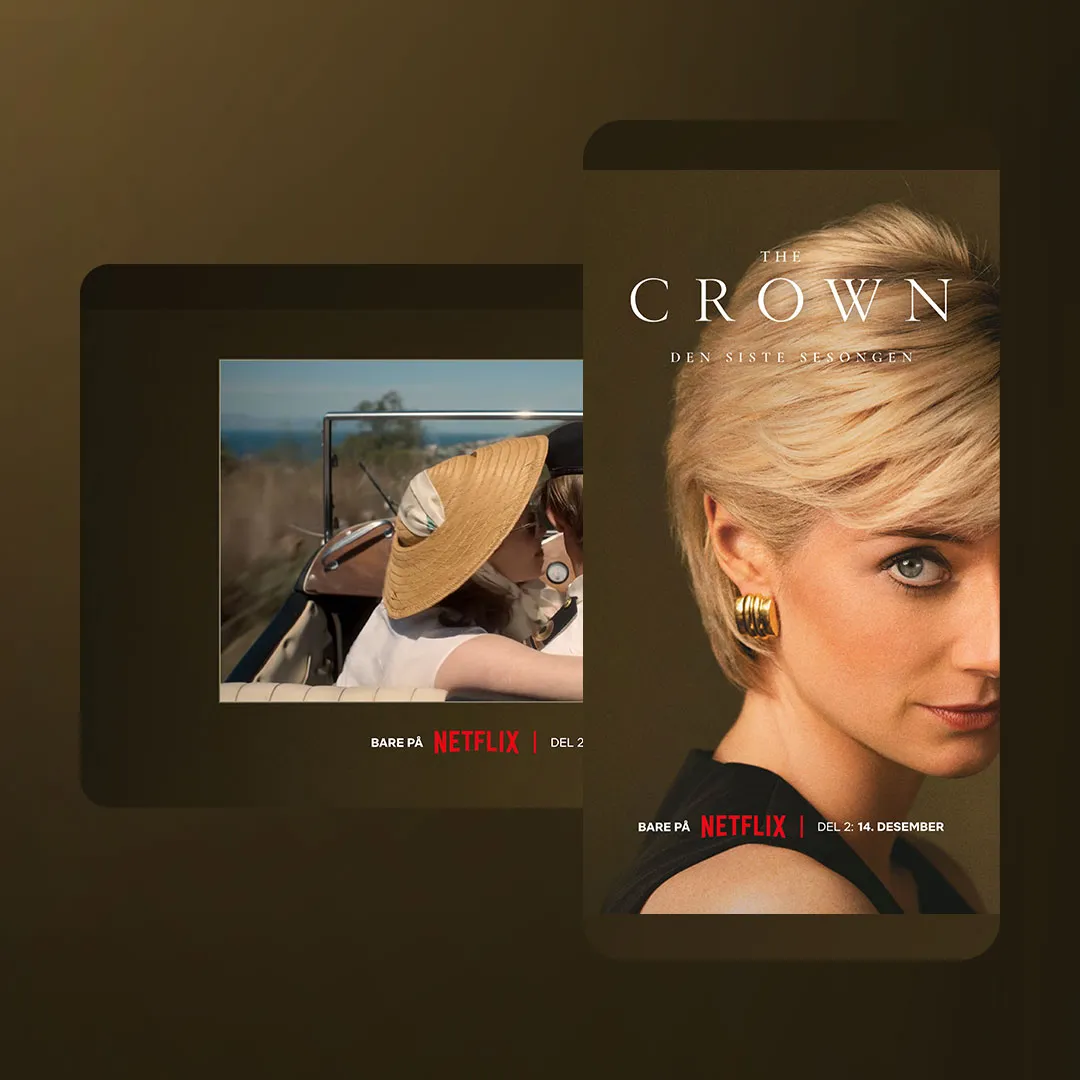
In the Netflix ad the scroll position drives the creative. The first screen shows the show's title and premiere line over moving background footage. Further down, a streamed video clip comes in with its own sound and replay buttons, so sound is the reader's choice.
A triple midscroll takes the same idea to three screens of scroll. We do not publish a separate spec page for it; talk to us about the build.
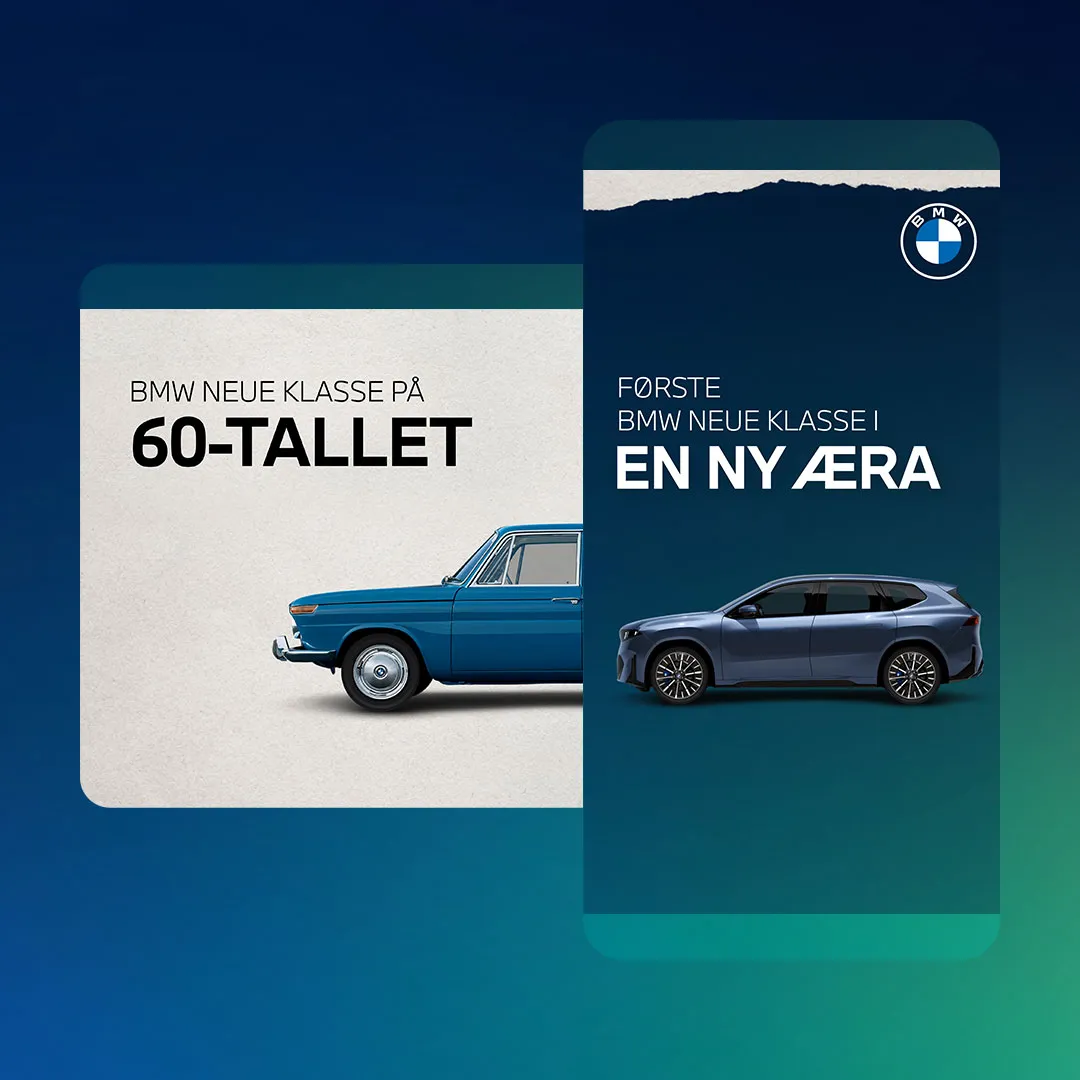
The BMW demo uses six scroll waypoints across three screens. The copy, the logo (old to new) and the car change as the reader moves down, ending on the new iX3 and a button to read the story.
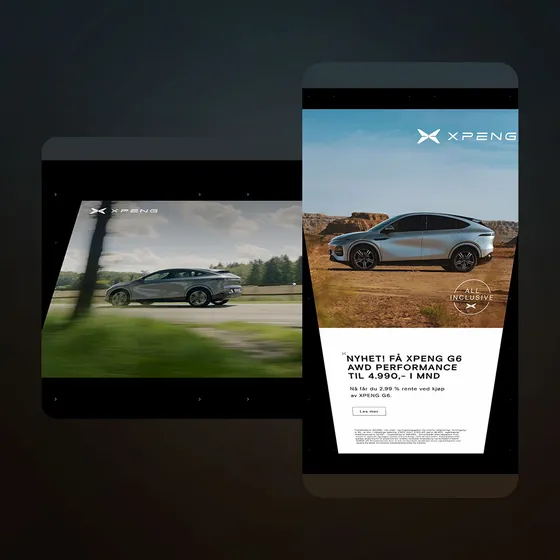
Good for: narrative, ranges and offers. Retail uses the extra screens for products, film and TV for a trailer after the title, cars for a model story. More examples:
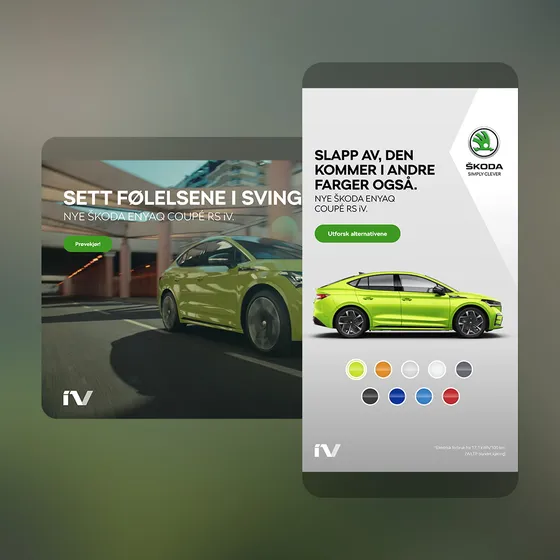 Open live demo ↗
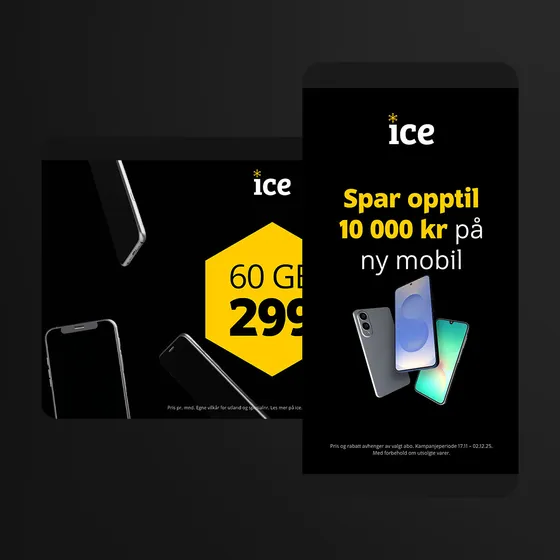 Open live demo ↗
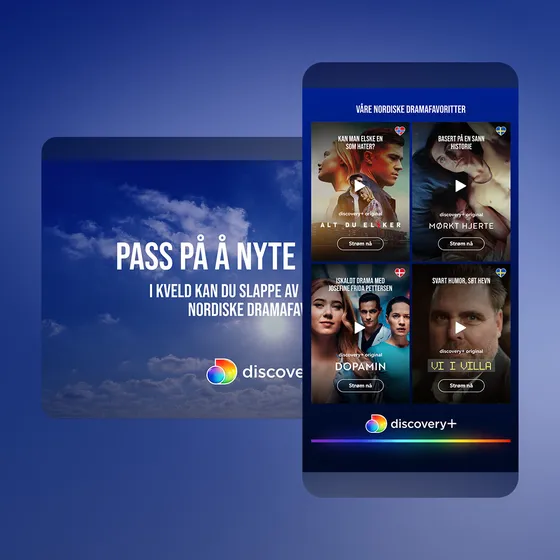 Open live demo ↗
 Open live demo ↗
Welcome page: a takeover with a close button
Ad formatWelcome pageThis format appears at the top of the page and pushes the content down, usually accompanied by a close button. Sometimes it's called a takeover.Specs →The welcome page greets the reader at the top of the page and pushes the content down, usually with a close button so the reader can skip straight to the page. Some publishers call it a takeover.
Specs, from the welcome page spec page: responsive. A 1920×1080 landscape asset (safe area 1400×820) and a 1080×1920 portrait asset (safe area 940×1420). Compared with the topscroll, the safe area is taller.
Good for: the same moments as a topscroll, when the publisher sells the top of the page as a takeover and you want a larger safe area for the message.
The formats side by side
| Format | Where it appears | How the reader meets it | Good for | Size (from the spec pages) |
|---|---|---|---|---|
| Topscroll | Top of page | First thing on load; content scrolls up over it | Launches, front-page reach | Responsive, 70–90% of screen height |
| Midscroll | Between the content | Scrolls into it, then past it | Video, interactive, product stories | Responsive, the full screen |
| Double midscroll | Between the content | Two scenes revealed one after the other as they scroll | Narrative, before/after, offers | Responsive, two screens tall |
| Triple midscroll | Between the content | Three screens of scroll-driven story | Longer stories, ranges | Not on the spec pages |
| Welcome page | Top of page | Takeover on load, with a close button | Big moments, larger message area | Responsive |
All of them take two assets, landscape and portrait, and Madington Station adapts the ad to every screen and gives you the tags. For video, Station streams it rather than loading the whole file; see streamed video.
High-impact.js: why an open standard matters
Publishers have run high-impact formats in their own ways, with vendor-specific scripts. For buyers, a topscroll on one site was not quite the topscroll on the next. For publishers, every format and vendor meant a new integration.
High-impact.js is the answer to that: an open-source framework for high-impact formats on the open web. It merged Advantage, an open-source initiative by Madington, with the original High Impact JS library by SeenThis, and the two companies launched it together in August 2026. It supports the common formats, including topscroll, midscroll and welcome page, and publishers host the code on their own sites.
"By co-developing an open-source, self-hosted framework together with SeenThis, we're giving publishers back ownership of the code running on their sites and creating a shared, neutral standard the whole market can build on." Henrik Carlsson, CEO, Madington, in the launch press release
What a standard changes in practice:
- Publishers are not locked to one vendor, and do not need external third-party scripts to run the formats.
- Buyers and agencies can plan a high-impact campaign across several publishers and expect the format to behave the same way on each.
- Creative teams build to one set of rules instead of a different one per site.
Choosing a format for your campaign
Start from what you need the reader to take away, not from the biggest format on the rate card.
- Be seen by everyone on a given day: topscroll or welcome page. They own the top of the page.
- Show a product properly, or let people play with it: midscroll. It gets a full screen in the middle of reading, which suits colour pickers, hotspots and video.
- Tell a story or show a range: double midscroll, or triple for more chapters. Plan the scenes like a storyboard: each screen must work on its own, because some readers stop halfway.
- Run video: any of them, but keep it light. On a double midscroll, only one scene can be video.
- Need many sizes and versions: use overlays. Upload a clean background and add text, logo and CTA as an SVG or PNG overlay in Station, so one video serves many versions.
Check the publisher's own safe areas before you design; some use their own. For the craft side of fullscreen mobile creative, read creative rules for fullscreen mobile ads. To browse more examples, see all our work.
What are high-impact ads?
High-impact ads are display formats that take most or all of the screen, such as the topscroll, midscroll, double midscroll and welcome page. They sit in the page's flow and are built responsive for mobile, tablet and desktop.
What is a topscroll ad?
A topscroll sits at the very top of a page and fills most of the screen when it loads, usually 70–90% of the screen height. As the reader scrolls, the content moves up over it.
Is a midscroll the same as an interstitial?
Yes. Publishers also call the midscroll an interstitial or a fullscreen. On the web it sits between the content, so the reader scrolls into it and on past it.
What is a double midscroll?
Two midscrolls one after another in the same placement. The first scene fills the screen, and as the reader keeps scrolling the second scene is revealed.
What is a welcome page ad?
A takeover at the top of the page that pushes the content down, usually with a close button so the reader can skip to the page.
What is High-impact.js?
An open-source framework for high-impact ad formats, launched by Madington and SeenThis. Publishers host it on their own sites, so formats behave the same way across publishers without vendor lock-in.